
A European alternative to Notion

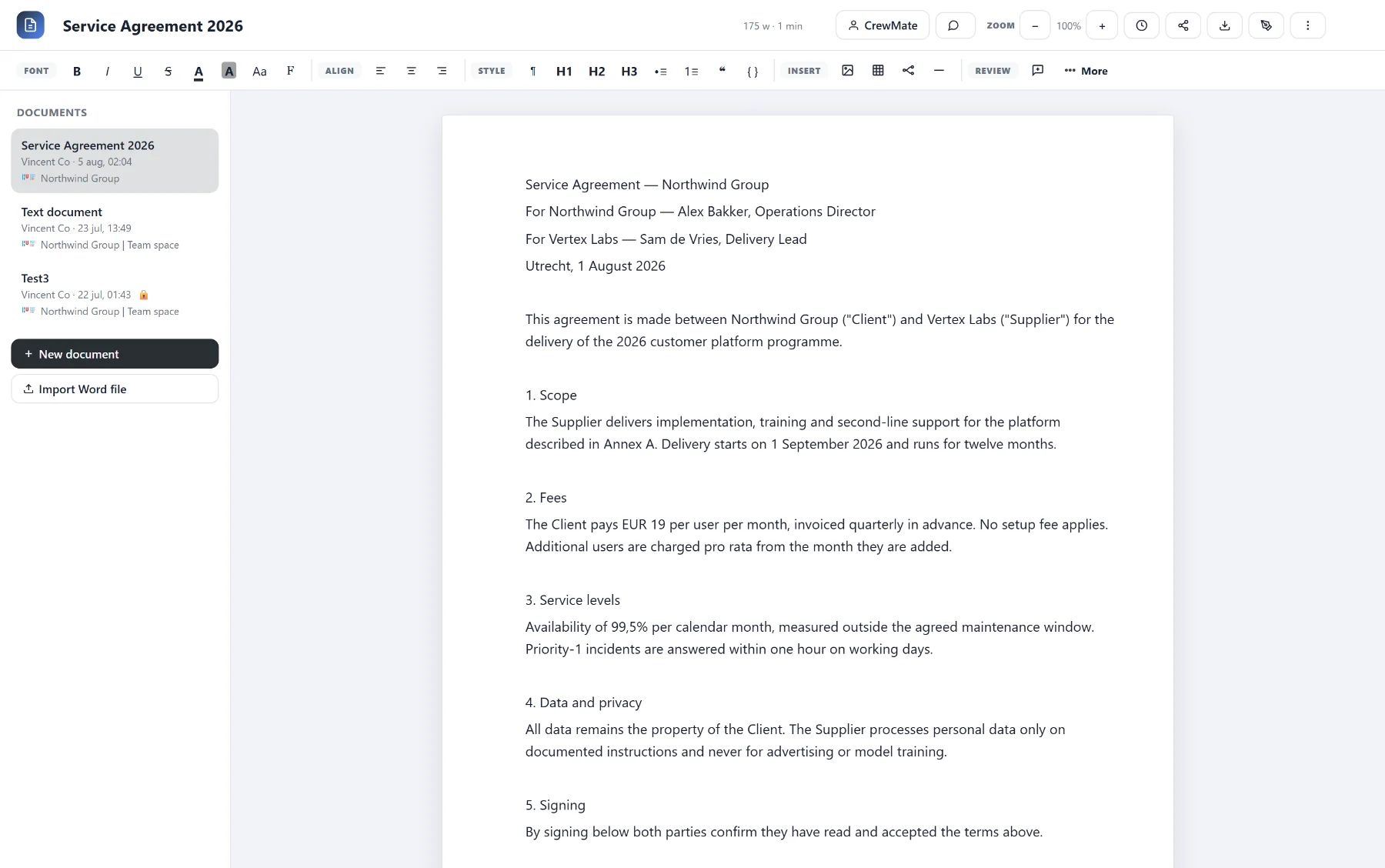
You look for a European alternative to Notion when you want to keep knowledge, plans and data in a European platform. CoVince has own editors for documents and spreadsheets (grids) and a table you can view as a list, kanban, timeline or Obeya. Everything belongs to a journey, so knowledge does not drift away from the work.
What people use Notion for
For knowledge bases, project plans, wikis and light databases. The strength is that text and structured data live in one environment. That is also the pitfall: because anything is possible, a wiki often grows into a maze in which nobody knows which page is current.
What CoVince has for that
- Documents: an own editor where the team writes together.
- Grids: spreadsheets for structured data.
- Table views: the same data as table, kanban, timeline or Obeya.
- Slides: presentations in an own editor.
- Journeys: everything with the project it belongs to, with chat and actions alongside.
Honest about the limits
CoVince is not a clone of Notion. A deep wiki with many linked databases and formulas may work differently. So first look at part of your knowledge in a trial journey. We do not promise automatic import of Notion pages.
Why own editors matter
Documents, grids and slides in CoVince run in own editors, not in an external Office suite. That keeps the chain shorter, and so easier to assess under NIS2 (Directive 2022/2555) and the GDPR. CoVince runs in Europe, with a European cloud provider, and is ISO 27001 certified. What you store and who may see it remains your responsibility; a platform does not make you compliant by itself. See the main page.
An example: an advisory firm of thirty people
Suppose an advisory firm for sustainable business with thirty employees. The knowledge base holds more than four hundred pages: methods, client reports, templates and an overview of ongoing assignments. Every consultant keeps their own notes, and with a new assignment people often start from scratch because nobody knows whether the old method is still correct.
The firm picks one knowledge area: the method for energy scans. It goes into a journey "Energy scan method" as a handful of documents, each with an owner. The assignment list moves to a grid with columns for client, phase, consultant and end date. Management views the same data as a kanban per phase, and the planner as a timeline. When a consultant improves a document, the whole team sees it and can talk about it in the journey chat. After a month everybody knows where the current version is, and that was the real problem.
A structure that keeps working
- One journey per project or knowledge area, not one big bin for everything.
- Every document an owner and a date of last review.
- Structured data in a grid, text in a document; do not mix them.
- Table views for different roles: kanban for the doer, timeline for the planner.
What you take along and what not
Start with the pages the team really used in the past quarter. What nobody has opened for a year belongs in the archive of the old system. Be honest about what is lost: complex formulas, linked databases or templates with a lot of logic must be looked at again. Talk about that in a demo before you decide.
Common mistakes
The first mistake is copying a wiki structure one to one, including all outdated pages. The second is mixing documents and data, so the data can no longer be filtered. The third is appointing no owner, so nobody updates anything. The fourth is too little attention to access: a knowledge base often holds client reports and personnel information, so decide per journey who may read and who may write.
One dataset, several views
The strongest point of a table with views is that you enter data only once. The doer wants to see what is up this week and picks the list or the kanban. The planner wants to know whether the whole fits within the month and picks the timeline. The director wants the status at a glance and opens the Obeya view. Nobody keeps their own copy, and with that the question of which version is right disappears. Agree per grid which columns are mandatory, so the views stay consistent.
Writing together without file chaos
Anyone who works with attachments in mail knows versions like "report_final2_NEW". In the own document editor the team works in one document, and the journey shows who changed what. A fixed way of working helps: a draft goes in the journey, a reviewer responds in the chat, and only then does the document become final. For important documents, put at the top who the owner is and when it was last checked. That costs a minute and prevents an outdated method from circulating for months.
AI on your knowledge
A knowledge base only becomes really valuable when you can ask it questions. The CrewMate works in the context of the journey and can help make a plan or fill a grid; an organisation admin chooses the model behind it. Decide beforehand which journeys with sensitive knowledge are not meant for AI questions.
How to start
- Pick one knowledge area, for example one team's project documentation.
- Put the documents in a journey and the structured lists in a grid.
- Try the kanban and timeline view on the same data.
Also read how the alternative to Google Workspace thinks about editors, and what a platform or separate tools means for your knowledge.
Frequently asked questions
Is there a European alternative to Notion?
CoVince has own editors for documents and grids, with table views as list, kanban and timeline, in a European platform.
Can I import Notion pages?
We do not promise automatic import. We discuss in a demo what is possible.
Does CoVince have databases?
There are grids (spreadsheets) and a table with several views. It is not a clone of Notion databases.
Can several people work together?
Yes, the team works together in the same documents and grids.
Where does CoVince run?
In Europe, with a European cloud provider. CoVince is ISO 27001 certified.
How do I stop the knowledge base becoming a maze?
Put knowledge in the project journey, give every document an owner and agree a yearly clean-up round.